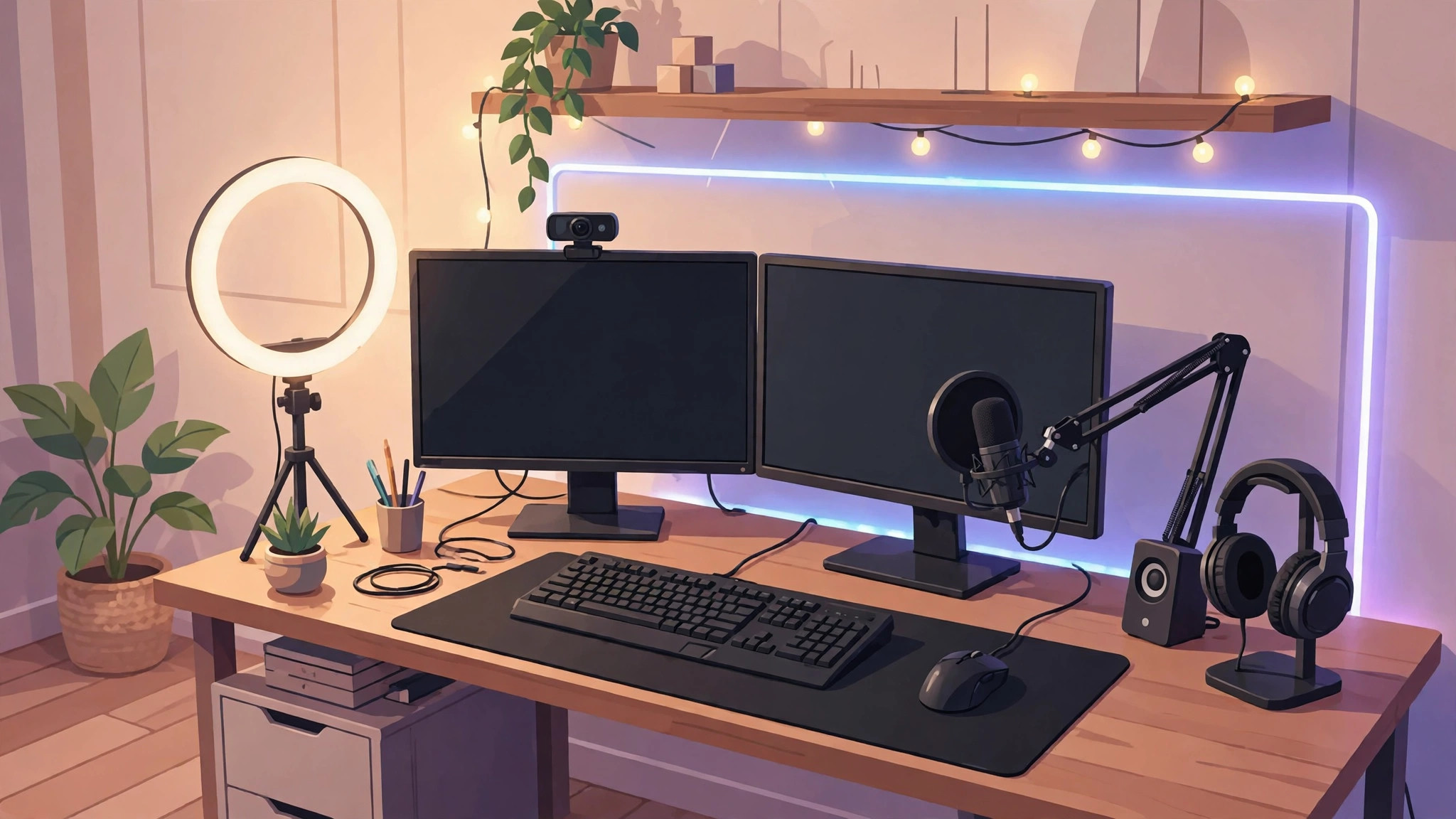
Streaming has become one of the most popular ways to create content online. Platforms like Twitch, YouTube Live, Kick, and Facebook Gaming allow creators to build communities, share gameplay, and even generate income through subscriptions, donations, sponsorships, and advertisements.
The good news is that starting a streaming channel in 2026 is easier and more affordable than ever. You no longer need an expensive studio or professional production team to create high-quality live streams. With the right equipment and software, beginners can build an excellent streaming setup on a reasonable budget.
In this guide, you’ll learn everything you need to create the best streaming setup as a new content creator.
Why Your Streaming Setup Matters
Viewers have countless streams to choose from. While great content is the most important factor, poor audio, low-quality video, and technical issues can drive viewers away.
A good streaming setup helps you:
- Look professional
- Improve viewer retention
- Build credibility
- Increase engagement
- Create a better overall experience
The goal isn’t to spend the most money—it’s to invest wisely in the equipment that makes the biggest difference.
Start With a Capable Computer
Your computer is the foundation of your streaming setup.
Minimum Recommended Specifications
- Modern 6-core or 8-core processor
- 16GB RAM
- SSD storage
- Dedicated graphics card
- Stable internet connection
Ideal Components for Beginners
For gaming and streaming simultaneously, prioritize:
- A recent multi-core CPU
- At least 16GB RAM
- A mid-range GPU
- Fast SSD storage
If you’re only streaming webcam content, podcasts, or tutorials, you can often get away with less powerful hardware.
Invest in a Quality Microphone First
If you’re on a limited budget, prioritize audio over video.
Many viewers will tolerate average video quality, but poor audio often causes people to leave immediately.
Recommended Microphone Types
USB Microphones
Perfect for beginners because they are:
- Easy to use
- Affordable
- Plug-and-play
- Excellent sound quality
XLR Microphones
Better for advanced creators but require additional equipment such as an audio interface.
What to Look For
- Clear voice reproduction
- Background noise reduction
- Reliable connectivity
- Easy setup process
Good audio instantly improves the professionalism of your stream.
Choose the Right Webcam
Viewers enjoy seeing the creator behind the content.
Entry-Level Webcam Features
- 1080p resolution
- Autofocus
- Good low-light performance
- Reliable frame rates
Alternatives
Many creators now use smartphones as webcams because modern phone cameras often outperform budget webcams.
This can be an excellent option when starting out.
Lighting Is More Important Than Camera Quality
Many new streamers buy expensive cameras but ignore lighting.
Proper lighting dramatically improves image quality.
Simple Lighting Setup
A basic setup may include:
- Ring light
- LED panel light
- Soft lighting source
Benefits
- Better image clarity
- Reduced shadows
- More professional appearance
- Improved webcam performance
Even a budget webcam can look excellent with proper lighting.
Streaming Software
Streaming software connects your content to platforms such as Twitch and YouTube.
Popular Options
OBS Studio
One of the most widely used streaming applications.
Benefits include:
- Free and open-source
- Highly customizable
- Large community support
- Excellent performance
Streamlabs
Designed for creators who want an easier setup experience.
Features include:
- User-friendly interface
- Built-in alerts
- Templates and themes
- Stream management tools
Both options are excellent choices for beginners.
Reliable Internet Connection
A stable internet connection is essential for streaming.
Recommended Upload Speeds
- 5 Mbps minimum
- 10 Mbps or higher preferred
- Wired Ethernet connection when possible
Why It Matters
Poor internet quality can cause:
- Stream lag
- Buffering
- Dropped frames
- Viewer frustration
Always test your connection before going live.
Headphones for Monitoring Audio
Headphones help creators monitor sound quality and prevent audio issues.
Benefits
- Hear game audio clearly
- Prevent microphone feedback
- Monitor alerts and notifications
- Improve communication during multiplayer games
Comfort is especially important for long streaming sessions.
Gaming Peripherals
If you stream games, your peripherals play an important role.
Important Accessories
- Gaming mouse
- Mechanical keyboard
- Comfortable chair
- Large mouse pad
While these won’t directly improve stream quality, they can enhance comfort and performance.
Stream Overlays and Alerts
Visual elements make streams more engaging.
Common Features
- Follower alerts
- Donation notifications
- Subscriber alerts
- Chat overlays
- Stream labels
These features encourage audience interaction and make streams feel more professional.
Essential Software for Content Creators
Beyond streaming software, several tools can improve your workflow.
Content Creation Tools
- Video editing software
- Graphic design tools
- Thumbnail creators
- Social media scheduling platforms
Creating content outside of livestreams helps grow your audience faster.
Budget Streaming Setup Example
Beginner Budget Setup
Computer
- Mid-range gaming PC or laptop
Audio
- Quality USB microphone
Video
- 1080p webcam or smartphone camera
Lighting
- Basic ring light
Software
- OBS Studio
Internet
- Stable broadband connection
This setup is sufficient for most new creators and can produce professional-looking streams.
Mid-Range Streaming Setup
As your channel grows, consider upgrading:
Upgrades
- Better microphone
- Improved camera
- Additional lighting
- Stream deck
- Dual-monitor setup
These improvements increase efficiency and production quality.
Common Beginner Streaming Mistakes
Focusing Only on Equipment
Expensive gear cannot replace entertaining content.
Ignoring Audio Quality
Audio should always be a priority.
Inconsistent Schedule
Regular streaming schedules help viewers know when to return.
Poor Lighting
Good lighting often matters more than camera upgrades.
Neglecting Audience Interaction
Successful streamers engage with viewers consistently.
Avoiding these mistakes can significantly accelerate channel growth.
Growing Beyond Your Setup
Your equipment is only one part of becoming a successful creator.
Focus on:
- Consistency
- Community building
- Viewer engagement
- Content quality
- Personal branding
Many successful streamers started with basic equipment and upgraded over time as their audiences grew.
The Future of Streaming in 2026
Streaming technology continues to evolve rapidly.
Emerging trends include:
- AI-powered moderation
- Automated highlight generation
- Real-time translation
- Virtual avatars
- Enhanced audience interaction tools
These innovations are making streaming more accessible and efficient for creators of all sizes.
Final Thoughts
Building the best streaming setup as a new creator doesn’t require thousands of dollars. A capable computer, quality microphone, decent webcam, proper lighting, reliable internet connection, and good streaming software are enough to get started.
Instead of chasing expensive gear, focus on creating valuable content, interacting with your audience, and streaming consistently. As your channel grows, you can gradually upgrade your equipment and improve production quality.
Remember that viewers come for the personality and content first. The best streaming setup is one that allows you to create confidently, communicate clearly, and provide an enjoyable experience for your audience.
Start with the essentials, learn as you grow, and focus on building a community around the content you love creating.