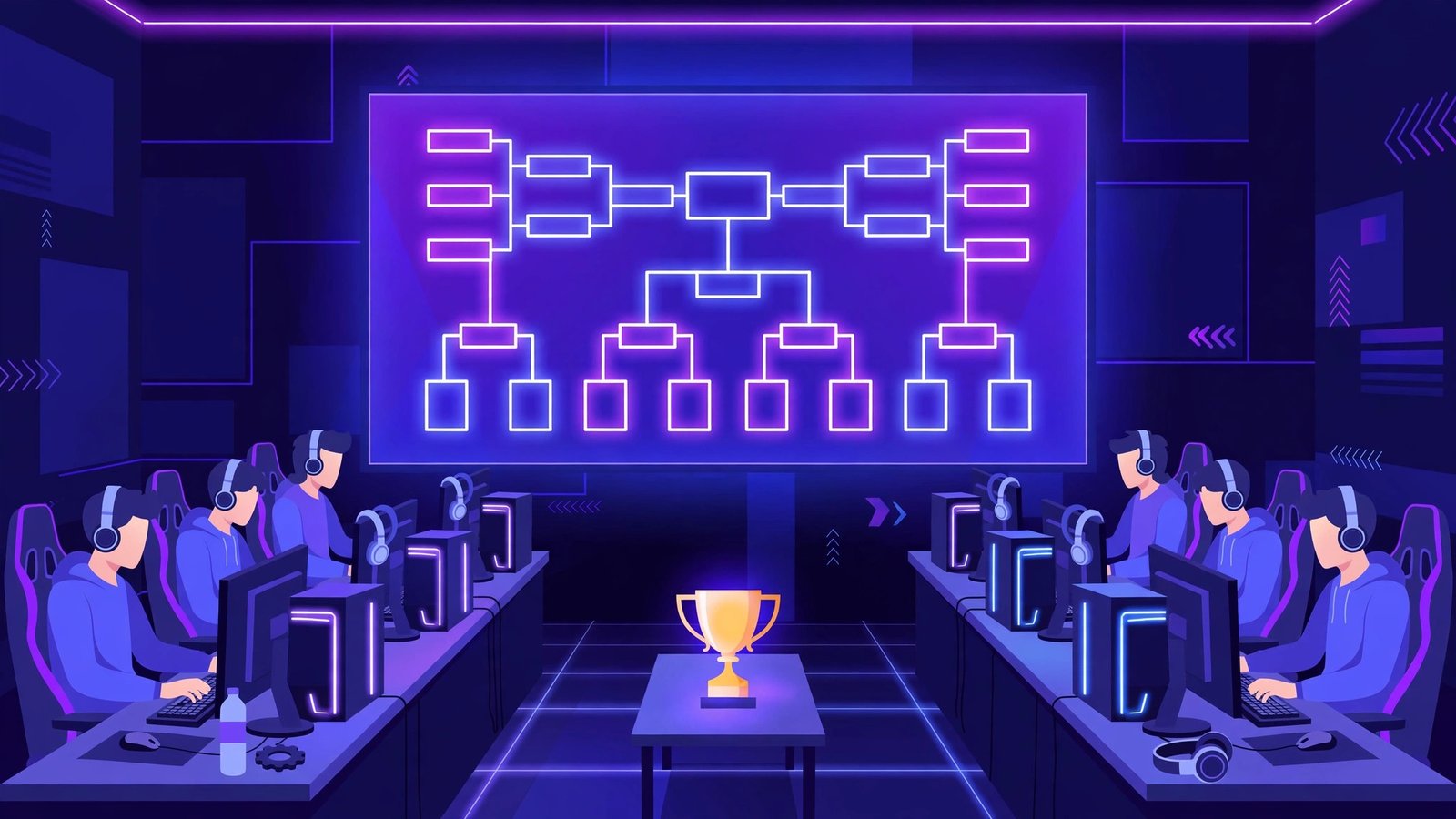
How to run an online esports tournament: pick a format, choose a free bracket tool like Challonge or Battlefy, publish a one-page ruleset before signups open, cap the field at 8–16 teams, and run a check-in window on match day. The bracket is the easy part — the format, rules, and schedule are what decide whether your event feels professional or collapses into arguments.
What Do You Need Before You Announce Anything?
Lock in four decisions before you announce anything.
First, the game and team size. A 5v5 Valorant tournament needs ten players per match; a 1v1 Rocket League cup needs two. Smaller team sizes mean faster signups and fewer no-shows, so most first-time organizers start with 1v1 or 2v2 formats.
Second, the prize — including “no prize.” A small prize pool, a Discord role, or a shoutout on stream pulls more signups than a “for fun” event with no stakes. If money is involved, decide the split now (for example, 70/30 for first and second) and state how payouts go out. Never promise a prize you cannot pay the same week the tournament ends.
Third, the date and time zone. Pick one day or one weekend, and publish every time in a single time zone — “7 PM” means three different things on three continents unless you say “7 PM EST” every time.
Fourth, the staff. You need at least one more person besides yourself: someone who can answer disputes and keep the bracket moving while you are busy.
Which Bracket Format Should You Choose?
The format decides how long your tournament lasts. For a first event, single elimination is the safest choice: lose once and you are out. A 16-team single-elimination bracket needs exactly 15 matches, and you can finish it in one afternoon.
Double elimination is fairer — every team gets a second chance through a losers’ bracket — but it roughly doubles the match count and time: 29 to 31 matches for 16 teams, a full day or a two-day event. Save it for your second or third tournament.
Round robin suits small groups of four to six teams where everyone plays everyone, but six teams need 15 matches just for the group stage. Swiss format — the system CS2 Majors and League of Legends Worlds use — gives every team the same number of rounds against similarly matched opponents, but it is the hardest to run by hand, so only choose it if your bracket tool supports it.
What Are the Best Bracket Tools for Online Tournaments?
You do not need paid software to run a clean online tournament. Two free tools cover almost every case.
Challonge is the classic choice and still the easiest starting point: create the bracket, set single or double elimination, and share a public link players can follow live. It handles seeding, byes, and result entry — but little beyond the bracket, so signups, check-ins, and disputes happen elsewhere, usually in Discord.
Battlefy is built for esports specifically and covers more of the workflow: team registration, check-in, match lobbies, and result reporting all live in one place. It supports Valorant, League of Legends, Rocket League, and other major titles, and can pull match results automatically from some games. With more than 16 teams, Battlefy saves you real time on match day.
How Do You Write a Ruleset That Prevents Arguments?
Most disputes are not about cheating — they are about something the ruleset never mentioned. A good ruleset answers every question a player will ask, and fits on one page:
Match format. Best-of-one, best-of-three, or best-of-five — and which rounds use which. A common structure is best-of-one for early rounds and best-of-three from the semifinals onward.
Map and side selection. State exactly how maps are picked: coin flip, veto order, or a fixed map per round. In Valorant, a simple system is that the higher-seeded team bans one map, the lower-seeded team picks the map, and the higher-seeded team picks the starting side.
No-show and late rules. The single most important rule in any online tournament: teams have 10 minutes after the scheduled start to field a full roster; after that, they forfeit. Enforce it the same way for every team, and half your scheduling problems disappear.
Pause and disconnect rules. What happens when a player’s game crashes mid-round? A fair standard is one tactical pause per team per map, up to five minutes, plus a remake if a disconnect happens before the first round starts.
Cheating and smurfing. State plainly that using a second account to play below your real rank is a disqualification, and that the organizers’ decision on any dispute is final. You cannot catch every smurf, but the rule gives you the authority to act when the evidence is obvious — such as a “Silver” player with a 95% headshot rate.
Publish the ruleset before signups open — changing rules after teams register destroys credibility.
How Do You Handle Signups, Check-Ins, and Seeding?
Open signups at least a week before the event and cap the field at a number your schedule can handle — a 32-team bracket needs 31 matches. Sixteen teams is the sweet spot for a first tournament.
Require every team to register with a captain’s Discord handle and every player’s in-game name — that gives you a way to contact teams, ranks to seed by, and a paper trail if a dispute arises.
Seed teams by average rank, past tournament results, or FACEIT Elo — random seeding pits the two best teams against each other in round one. With no data at all, seed by signup order and say so openly.
Run a check-in window 30 to 60 minutes before the first match: teams confirm they are present, and teams that do not check in are replaced by waitlisted teams before the bracket is locked. This eliminates the most common match-day failure — a first-round match that never starts because a team never showed up.
How to Run an Online Esports Tournament: Match Day
On match day, three habits keep the event moving.
First, announce every round in one channel and nowhere else: one channel for official announcements, one per match for the teams playing it.
Second, update the bracket the moment a result is reported. Players check the public bracket constantly, and a bracket that lags behind reality sends teams to matches that already ended. Update the result in your bracket tool first, then post the announcement.
Third, keep a public schedule and stick to it. Post the round times in advance — quarterfinals at 3 PM, semifinals at 4:30, final at 6 — and start each round on time even if a team is late. A tournament that finishes 30 minutes early feels professional; one that runs two hours late feels amateur.
What Happens After the Last Match?
Announce the winners, pay prizes within 48 hours, and post the final bracket publicly. Then ask for feedback while the experience is fresh: a three-question form (what worked, what didn’t, would you play again). Save everything — the ruleset, the schedule, the bracket, the captains’ contact list. Your second tournament is mostly a copy of your first one with the mistakes fixed — that is how to run an online esports tournament that players come back to.
Your first event will have a no-show, a match that runs long, and a rule you wish you had written. What matters is that the second tournament exists, and runs better than the first.
Frequently Asked Questions
How much does it cost to run an online esports tournament?
Nothing, if you keep it small: free bracket tools like Challonge or Battlefy, a free Discord server, and volunteer staff. Your only real cost is the prize pool, if you offer one.
How many teams should a first tournament have?
Eight to sixteen. Eight teams finish in about two hours with single elimination; sixteen take roughly four hours. More than sixteen in a first event usually means delays and a bracket that drags past the time players set aside.
How do you stop smurfing in an online tournament?
You cannot eliminate smurfing entirely, but you can reduce it sharply: require account history checks, set a minimum account level or ranked-games-played threshold, seed by verified rank, and reserve the right to disqualify obvious smurfs.
Do you need a Discord server to run an online tournament?
Practically, yes. Almost every online tournament runs its communication through Discord: announcements, match channels, result screenshots, and dispute handling. Without one, you rebuild all of that coordination in slower tools like email or DMs.